


Is your website working harder than it needs to just to reach Page 1? Many site owners produce excellent content yet struggle to climb the rankings because they are dragging an invisible weight: toxic backlinks. These are essentially “votes” for your site from corners of the internet that Google doesn’t trust, and they act like a heavy anchor holding your search performance down.
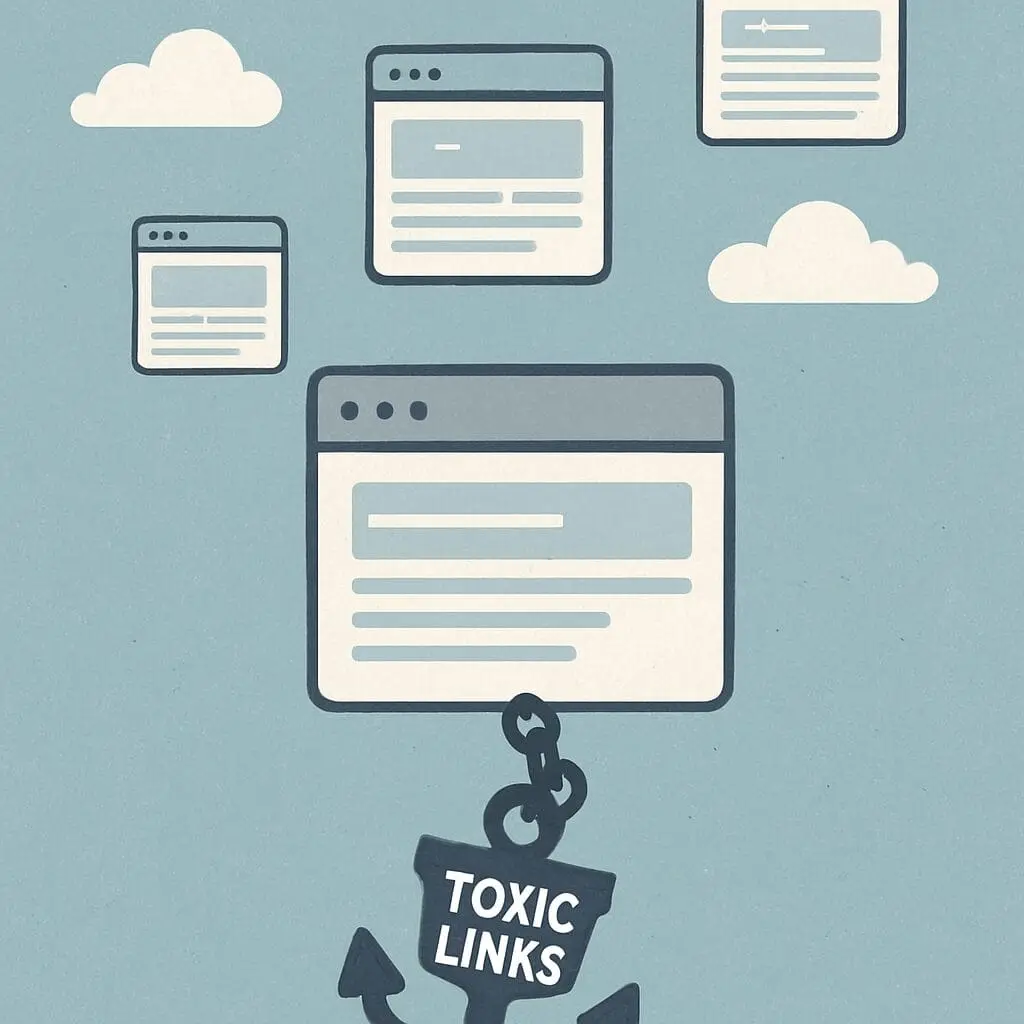
Think of your website like a new boutique bakery in a small town. If the local five-star chefs recommend you, your reputation soars, but if known scammers start claiming you as their “partner,” the community—and the authorities—start to worry. Search engines judge your digital reputation based on who associates with you. When spam sites link to your pages, it creates “guilt by association,” causing Google to hesitate before showing your site to new visitors.
You haven’t necessarily done anything wrong to deserve this attention. Industry data reveals that almost every growing website eventually attracts some digital clutter, whether through automated spam bots or old directory listings that have soured over time. The impact of low-quality links can be frustrating, but it is rarely permanent if you take the right steps to manage your search reputation.
Cleaning up this mess is effectively a health check for your online presence. Identifying the culprits, requesting their removal, and using Google’s “Disavow” tool as a protective shield often clears the path for significant organic traffic growth.
Why Your Website is Defined by the ‘Company’ It Keeps
Google views links to your website as digital votes of confidence. Yet, unlike a democracy, not every vote counts equally. One link from a respected industry leader outweighs dozens from low-quality sources, meaning who you associate with matters more than the total number of friends you have.
Search engines analyze the “Anchor Text”—the clickable words in a link—to determine context. If a gardening blog links to your landscaping site using the phrase “best lawn care,” it confirms your site is relevant to that topic. However, if a strange gambling site links to you with random words like “cheap prizes,” it confuses the algorithm. Google prioritizes logical, relevant connections to ensure it sends users to actual experts rather than spam farms.
This hierarchy relies on “Domain Authority,” which is essentially a trust score based on a website’s age and track record. Associating with high-authority sites boosts your credibility, while hanging out in “bad neighborhoods” (spammy sites) drags your rankings down through guilt by association. Improving your domain authority often requires pruning these bad connections so they don’t act as an invisible weight.
Spotting the ‘Red Flags’: How to Identify a Toxic Backlink
Identifying a toxic connection doesn’t require a computer science degree; it mostly relies on the “eye test.” If you review your site’s backlinks and find yourself asking, “Why would this website link to me?”, you have likely found a problem. For a local florist, a link from a wedding planner makes perfect sense, but a recommendation from a website discussing “Offshore Gambling” or “Cheap Pharmaceuticals” looks suspicious. These domains are often part of “Link Farms”—networks built solely to sell links rather than provide value to readers.
Keep an eye out for these specific traits when reviewing your link profile:
- Irrelevant Niches: A site about industrial mining linking to a yoga studio signals a “Bad Neighborhood” to Google.
- Suspicious Anchor Text: Links using aggressive sales phrases (e.g., “Buy Cheap Laptops”) instead of your brand name.
- Foreign Language Sites: Domains from countries where you don’t do business, often indicating automated spam.
Pay close attention to the specific words people use to link to you. When hundreds of sites all use the exact same keyword phrase—like “Top SEO Service”—it looks unnatural to Google, a red flag known as “Over-optimization.” Real human beings rarely use perfect keywords; they write naturally, using terms like “click here” or your business name. If your link profile looks forced or artificial, it signals to search engines that you might be trying to manipulate the system.
The Hidden Cost: How Low-Quality Links Tank Your SEO Rankings
Ignoring these suspicious connections doesn’t just clutter your report; it actively suppresses your growth. Most often, the negative impact happens silently through an algorithmic filter. Think of this like a credit score drop rather than a lawsuit; Google simply decides your website is less trustworthy because it associates with “bad neighbors,” causing your pages to slowly drift from page one to page five without any official warning. If your traffic has flatlined despite publishing great content, this invisible anchor is often the culprit.
In more severe cases, usually resulting from purchasing “cheap” bulk link packages in the past, Google issues a formal penalty known as a Manual Action. You will find a specific notification in your Google Search Console account, perhaps flagging an “unnatural outbound link penalty” or a pattern of artificial inbound links. Unlike the silent algorithmic drop, this is a direct enforcement that can remove your site from search results entirely until you clean up the mess and file a “reconsideration request” promising to follow the rules.
Recovering from a manual action or lifting that invisible algorithmic weight requires proving to search engines that you have cut ties with these spammy networks. While the prospect of cleaning up thousands of bad “votes” sounds daunting, you cannot fix what you cannot see. The first step toward restoration is getting a clear picture of exactly who is vouching for you.
Your First Link Audit: Tools to Peek Under the Hood
To see exactly who is linking to you, start with the most reliable source: Google itself. A backlink audit is simply a review of every outside website connecting to yours, and you can access this data for free within Google Search Console. Locate the “Links” tab in the sidebar to reveal your raw profile without any filtering or guesswork.
Scanning the “Top linking sites” report usually reveals the immediate state of your backlink profile health. Healthy profiles feature recognizable industry names or local directories, whereas a compromised profile often lists domains ending in strange extensions (like .xyz or .ru) or nonsense text.
To dig deeper, click the “Export” button in the top corner, downloading the full list to a spreadsheet. While Google gives you the raw data, third-party tools can help you interpret it if you are unsure what looks suspicious:
- Google Search Console: Best for raw, official data directly from the source (Free).
- Ahrefs: Excellent for identifying specific “toxic” markers automatically (Paid).
- Semrush: One of the best backlink audit tools for visualizing overall site authority (Paid).
Collecting this data is only the diagnostic phase; the cure requires action. With your spreadsheet ready, you can now distinguish between helpful partners and harmful spam, setting the stage to formally request that these digital neighbors take down their signs.
The Manual Cleanup: Requesting Removal Without the Stress
Before you ask Google to intervene, the most effective first step in toxic backlinks removal is often the simplest: asking the site owner to take it down. Think of this like asking a neighbor to turn down their music before calling the authorities; it shows good faith and solves the problem at the source. To find the right person to contact, look for a “Contact Us” or “About” page on the offending site, or use a free “WhoIs” lookup tool to find the registered webmaster’s public email address.
When requesting removal from webmasters, keep your message brief, polite, and specific to avoid being marked as spam yourself. A standard outreach template should look like this:
- Subject: Link Removal Request: Link to [YourWebsite.com]
- Body: “Hello, I am auditing my site’s links. Please remove the link to my website found on this specific page: [URL of bad page]. Thank you.”
- Closing: “Best regards, [Your Name]”
Even if the site owner ignores you—which happens often with spam sites—your effort wasn’t wasted. Document every email sent in a simple spreadsheet called a “Removal Log.” This acts as your paper trail, proving to Google that you attempted a manual backlink cleanup before escalating the issue. If the webmaster stays silent or refuses to help, you are then ready to file your “legal disclaimer” using a more advanced method.
The ‘Legal Disclaimer’: When and How to Use Google’s Disavow Tool
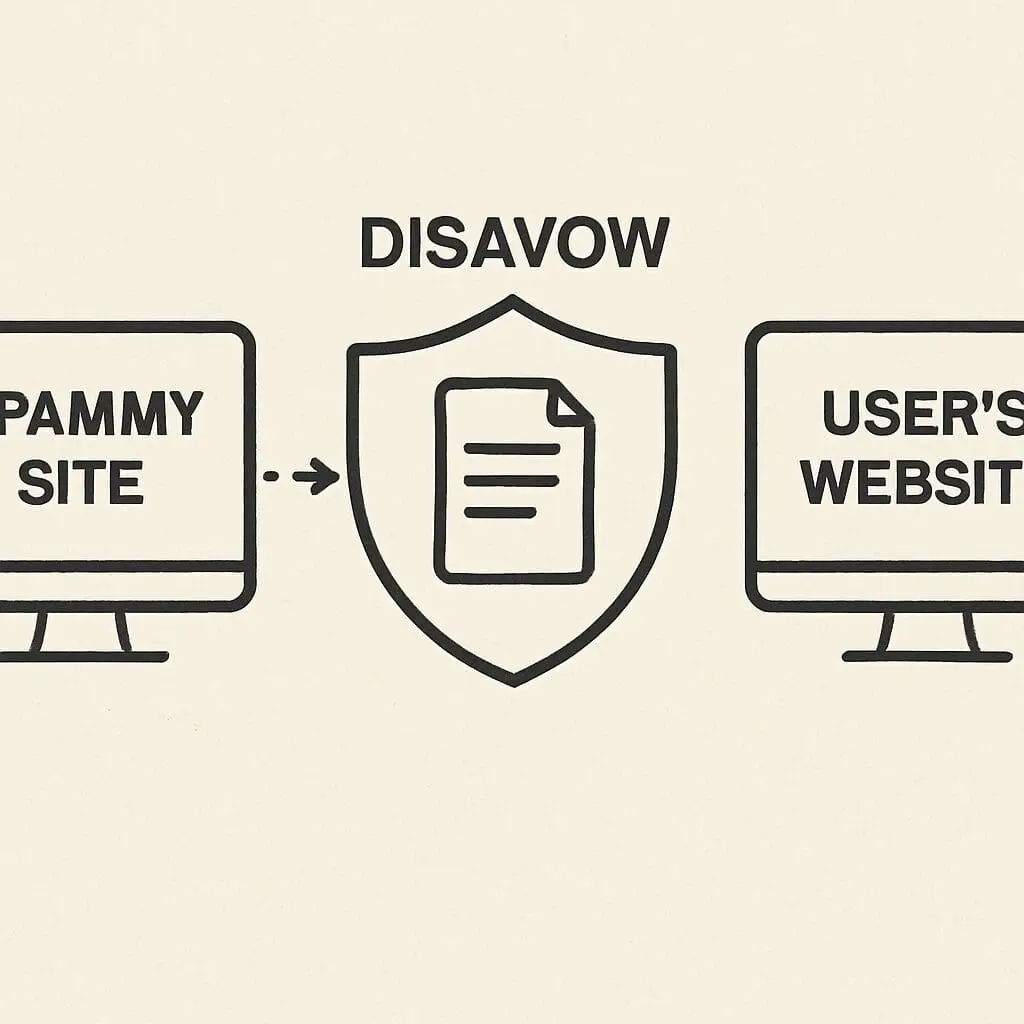
If your polite emails to webmasters were met with silence, do not worry because you have a powerful backup option called the Google Search Console disavow tool. This feature acts like a “legal disclaimer” for your website’s reputation. Since you cannot force another person to delete a link from their website, this tool allows you to tell Google to ignore that specific connection. Think of this step as filing a restraining order; the bad link still technically exists on the internet, but it no longer has the legal power to hurt your credit score with search engines.
Creating the actual document for this process is surprisingly low-tech and requires no coding knowledge. You simply need a basic text file (.txt) created in a program like Notepad, rather than a formatted Word document. Inside this file, you list the specific web addresses you want to block using the format “domain:badsite.com.” The main difference in manual link removal vs disavow file creation is the outcome; manual removal deletes the problem, while the disavow file instructs Google’s algorithm to apply a digital shield around your website against those specific sources.
Once your text file is ready, you upload it directly through Google’s portal, but proceed with caution. Because this tool essentially tells Google to stop counting votes for your site, you must be certain the links are toxic; accidentally disavowing high-quality sites can hurt your rankings. If you are currently dealing with a manual penalty, uploading this file is a required evidence step in the reconsideration request submission process, proving you have taken every possible measure to clean up your digital neighborhood.
After clicking submit, patience becomes your most important asset because the effect is not instant. Google takes time to recrawl the web and process your request, meaning the invisible weights dragging down your site will drop off gradually rather than all at once. With the toxic influence neutralized, your site can finally run its race unencumbered.
The ‘Clean Slate’ Effect: SEO Growth After Pruning Your Links
Removing toxic backlinks allows your website’s true reputation to shine through, much like washing a muddy window lets the light in. When you focus on improving domain authority by pruning links, you are essentially clarifying your business connections to Google. Instead of being weighed down by “guilt by association” with spammy sites, your legitimate hard work becomes the primary signal search engines see, helping your rankings gradually recover to where they belong.
Beyond mere reputation, cleaning up your connections optimizes your “Crawl Budget”—the limited amount of time Google’s automated bots spend exploring your website. Think of these bots as busy health inspectors; if they waste time navigating a maze of bad links, they might leave before grading your best content. By cutting these dead ends, you ensure the inspector focuses entirely on your high-quality pages, paving the way for faster indexing and sustained organic traffic growth after link cleanup.
Stability is the ultimate reward for this digital housekeeping, giving you the confidence that your rankings are based on merit rather than luck. However, the internet changes daily, so monitoring link profile health should become a quarterly habit to catch new “weeds” before they take root. With your site now healthy and optimized, you must build a perimeter to stop these issues from returning.
Defending Against Negative SEO: Protecting Your Future Growth
Just as you wouldn’t leave your physical storefront unlocked at night, you shouldn’t leave your website’s digital back door unguarded. Sometimes, aggressive competitors or automated bots flood a site with spammy connections to drag down its rankings, a tactic known as negative SEO. You don’t need to be paranoid, but you do need to be observant; a sudden, massive jump in your total number of backlinks usually signals an attempt to manipulate your standing. Catching this early makes negative SEO attack recovery a simple maintenance task rather than a massive disaster.
Tools like Google Search Console can act as your security cameras if you check them regularly. You are specifically looking for new connections coming from bad neighborhood domain links—sites associated with gambling, adult content, or unrelated topics that have no logical business recommending your local shop. Consistent monitoring link profile health ensures these toxic “weeds” are spotted while they are still small sprouts, preventing them from overwhelming your legitimate marketing efforts.
Staying proactive transforms link management from a source of anxiety into a standard business routine. By setting up monthly alerts, you ensure that your website’s authority is dictated by your hard work, not by external spam or malicious actors.
Your 30-Day Cleanup Plan: From Toxic to Trustworthy
You started this journey worried about invisible weights dragging down your rankings. Now, you possess the tools to protect your digital storefront. Just as you wouldn’t let a scam artist hang a sign in your physical shop window, you no longer have to accept “guilt by association” from spammy sites. You have the wrench in hand to fix the plumbing of your online presence.
To make this manageable without overwhelming your schedule, follow this 30-day timeline:
- Week 1 (Audit): Scan your profile using your SEO tool of choice to identify the “bad neighbors.”
- Week 2 (Outreach): Send polite email requests to webmasters asking them to remove the unwanted links.
- Week 3 (Disavow): Submit your “legal disclaimer” file to Google to block any remaining spam.
- Week 4 (Rebuild): Shift focus to creating helpful content that earns legitimate “votes” from trusted sites.
Understanding how to remove toxic backlinks changes your strategy from reactive to proactive. Regular backlink cleanup clears the noise, allowing Google to hear the signals from your genuine partners, directly improving domain authority and stabilizing your search position.
Don’t wait for a drop in traffic to take action. Log into your Google Search Console today and see who is vouching for you. With a clean profile, you can stop worrying about the invisible anchors holding you back and start focusing on the climb to Page 1.